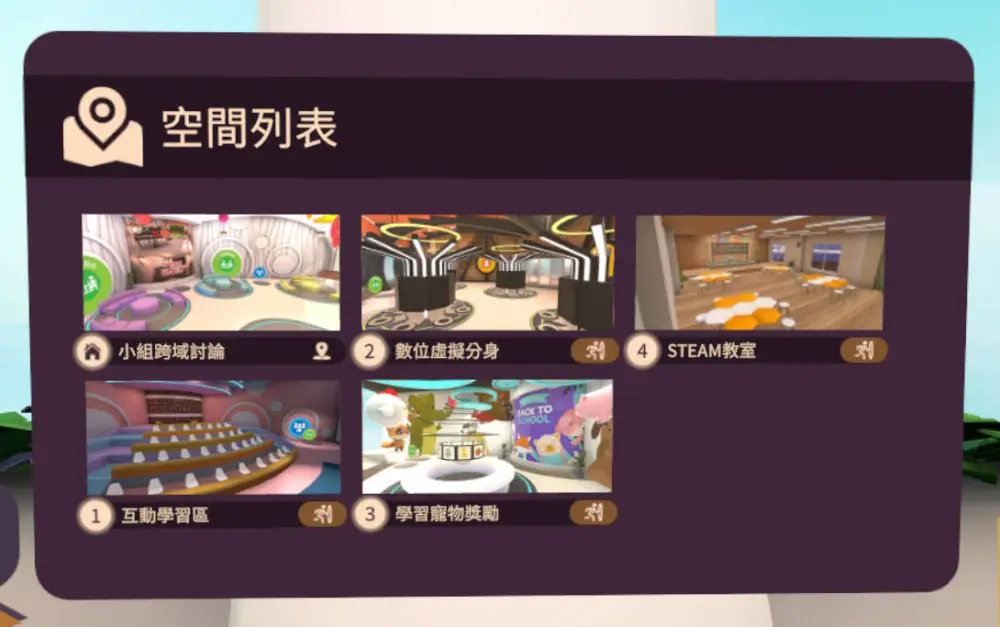
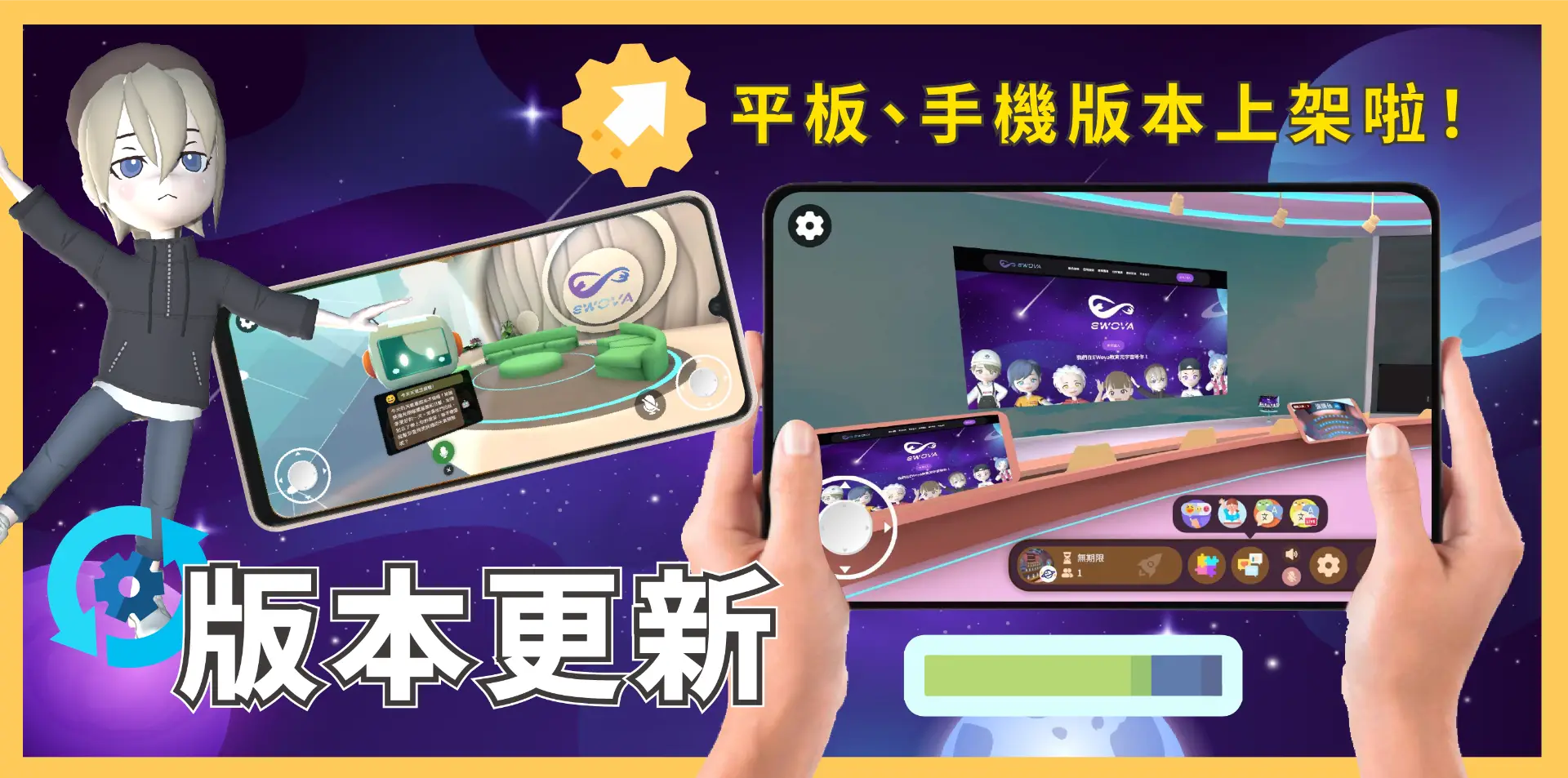
📢 EWova 33 Version Update Announcement!
Android mobile version now live, and model scaling is back!?
Dear EWova Users:
EWova 33 is officially released! This version not only marks the full launch of the Android mobile version, but also brings a major controls upgrade that makes scaling and rotating models more intuitive, plus a new leaderboard challenge in the Cross-Disciplinary Discussion Area that adds both learning and friendly competition, for a richer and more fun experience!
✨ Update Highlights:
1. Android Platform Officially Launched
The EWova platform is now available on Android mobile devices.
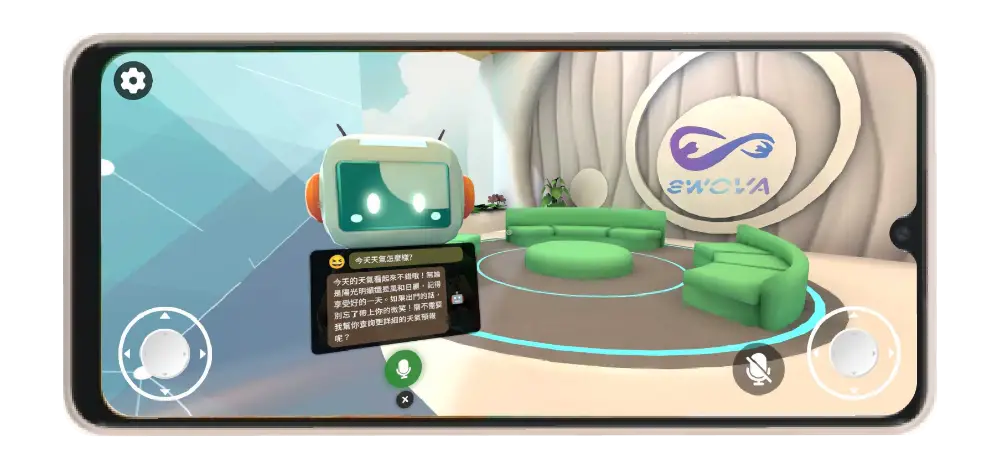
▼Control Interface
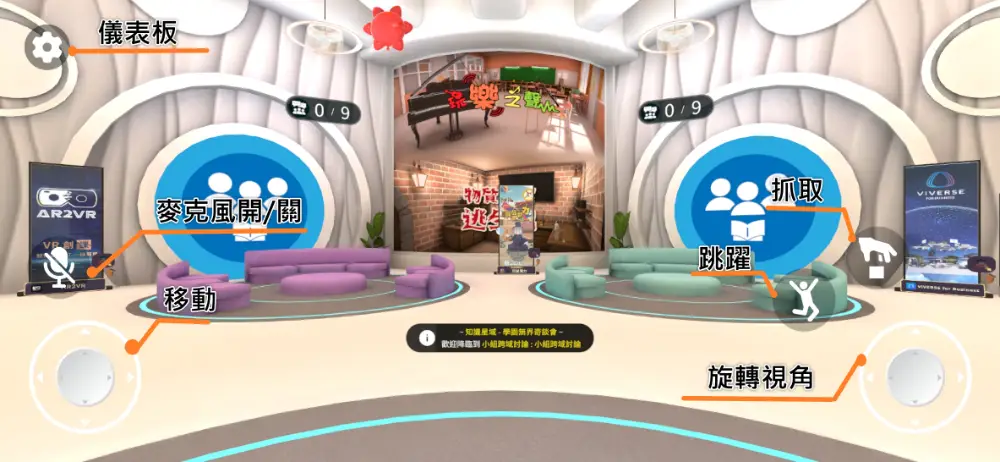
2. Major Controls Upgrade
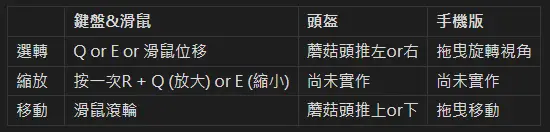
- Summoned models can now be rotated and scaled
The following button controls apply while you are holding (grabbing) the object.
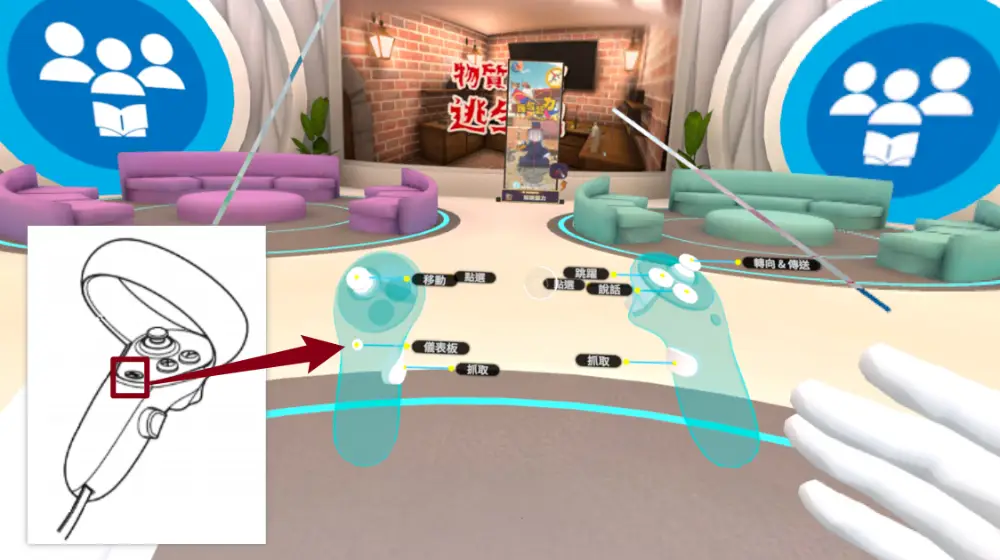
- New Dashboard button
Still on the left hand, now mapped to the easier-to-understand Menu button.
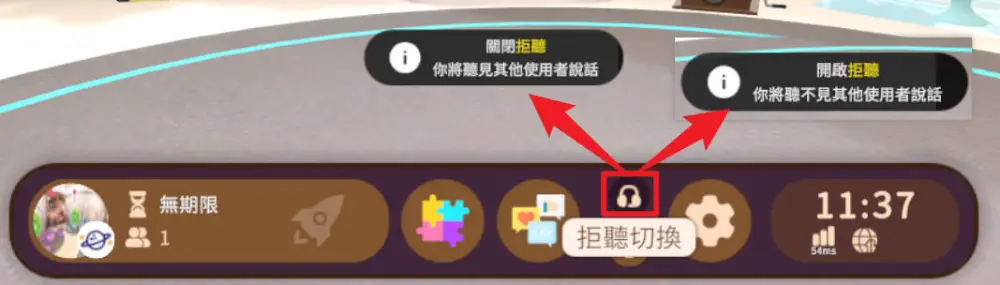
- New "Do Not Listen" option on the Dashboard
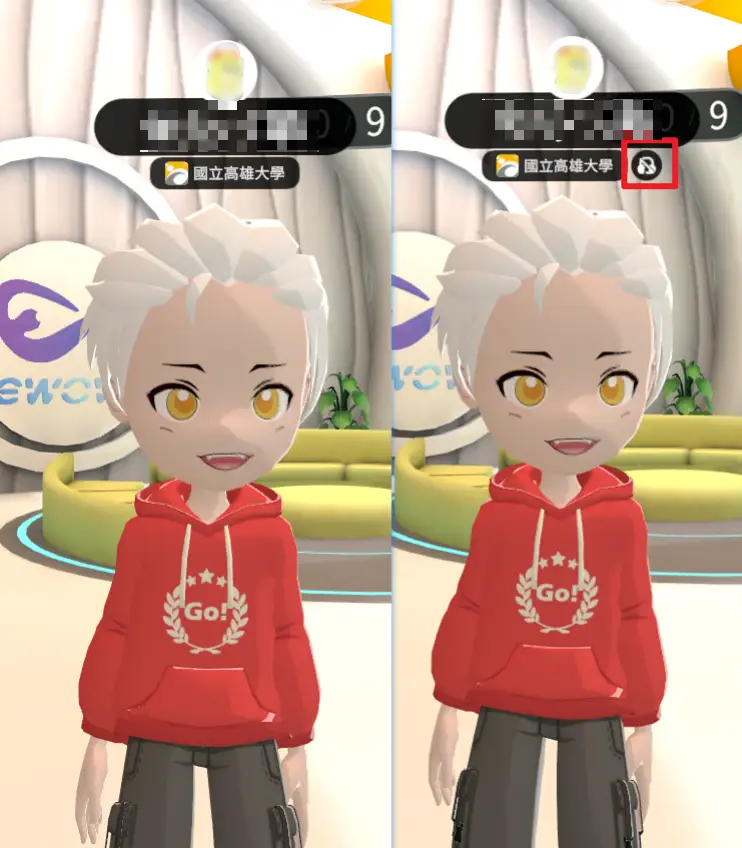
▼Shows others whether you have "Do Not Listen" turned on
3. Take On the Learning Material Leaderboards
Learning materials that record learning progress now include a leaderboard.
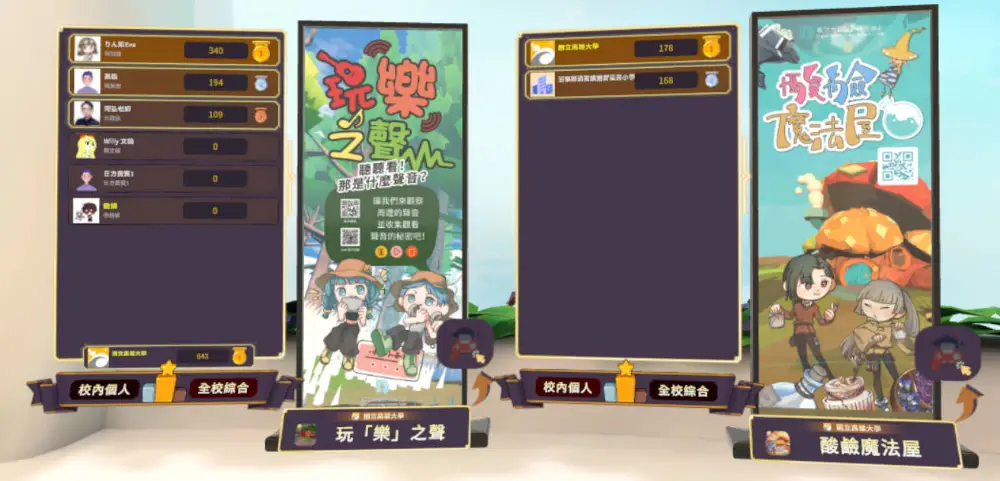
4. Course Spaces Now Save Your Layout
After you set up a course, you can now freely rearrange the furnishings in the scene. When you leave, the system automatically saves your layout, so you can pick up right where you left off next time.
🛠 Fixes and Improvements
- Fixed microphone permission status after switching spaces
- Improved accuracy of Vietnamese translations
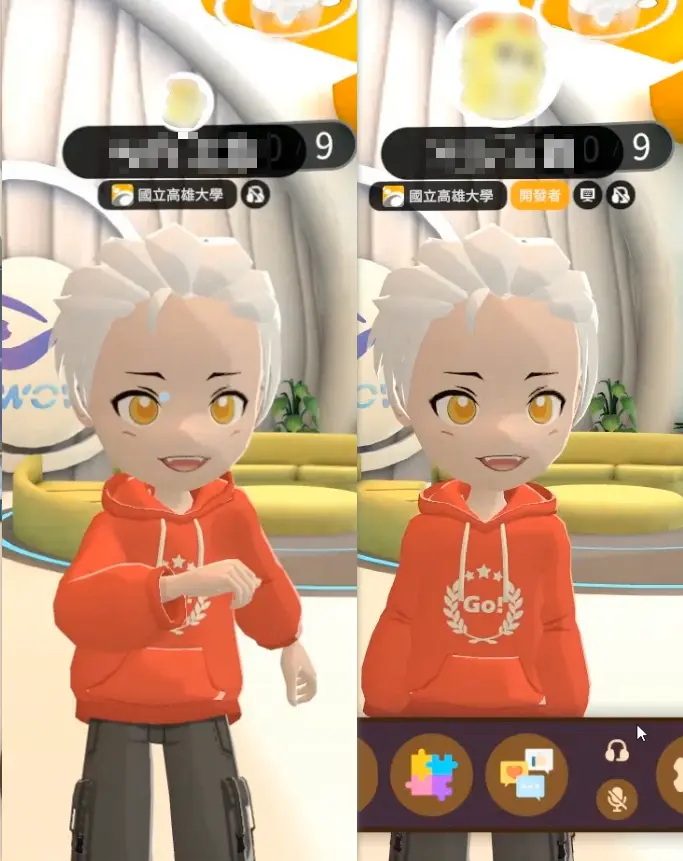
- Streamlined on-screen information
Enlarged user avatars, device type and user role are now shown only while the Dashboard is in use.
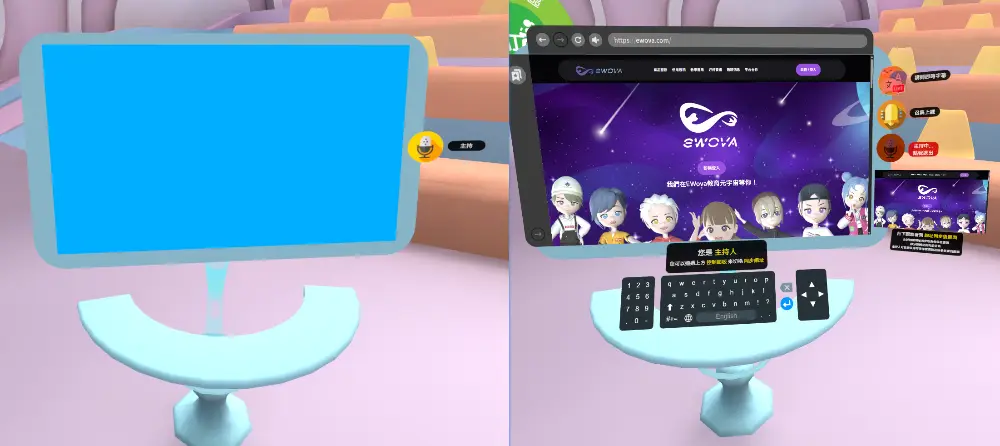
- Interactive Learning Area podium now faces the audience
Facing the audience while teaching makes it easier to see how they are doing, and the host also gets a small window showing in real time what the audience is seeing.
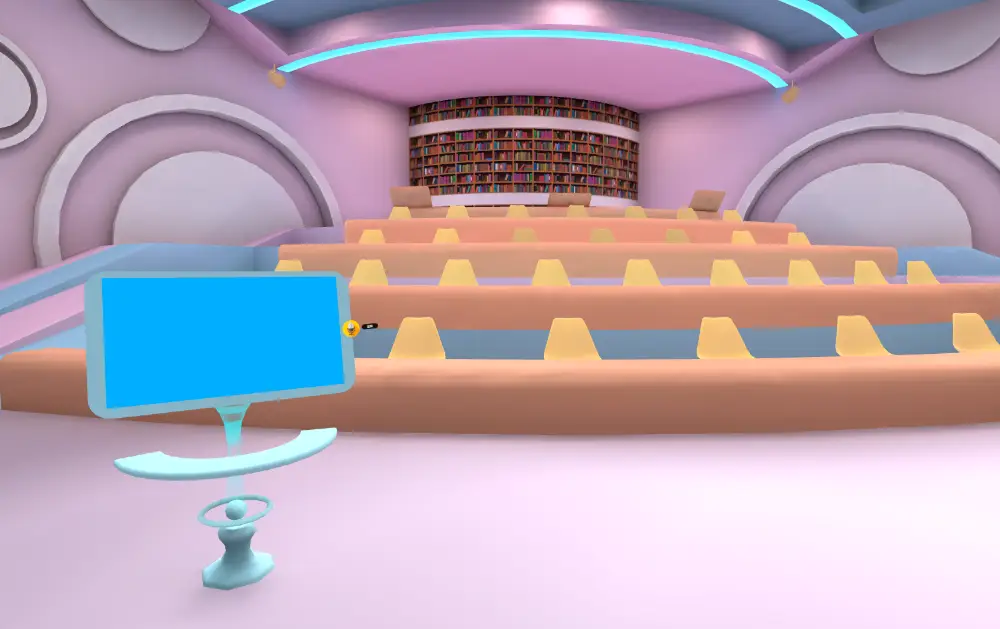
- Interactive Learning Area seating
Once seated, users can no longer wander off; they must click the Leave icon to get up.
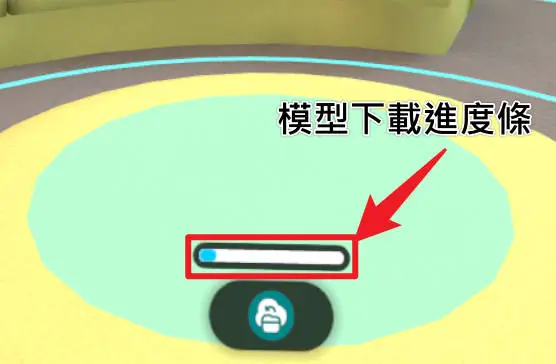
- Model download progress bar
You can now see the download status of models.
- Teleport blackboard update
Larger preview images make it easier to see where each destination leads.